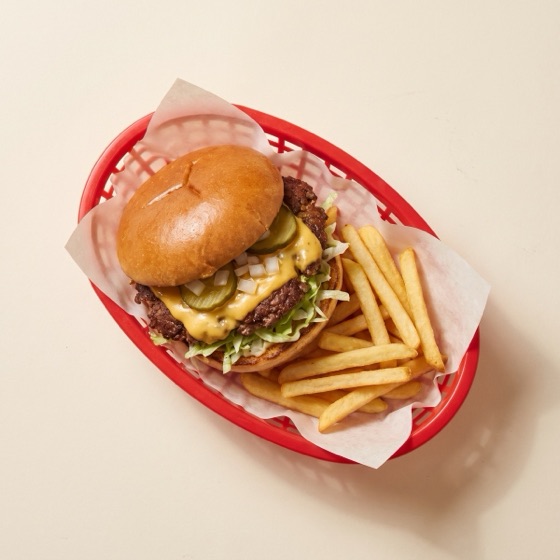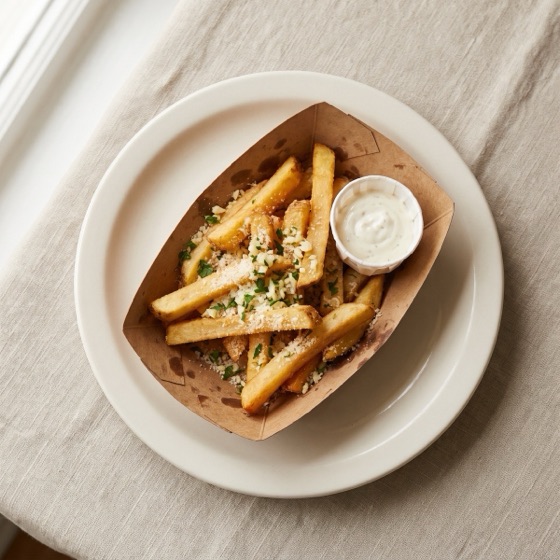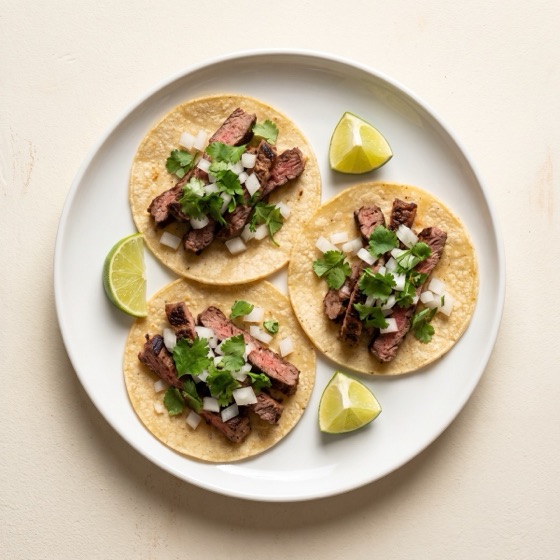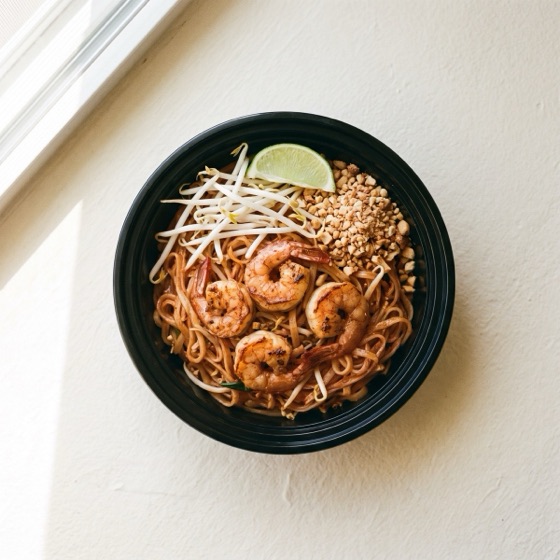
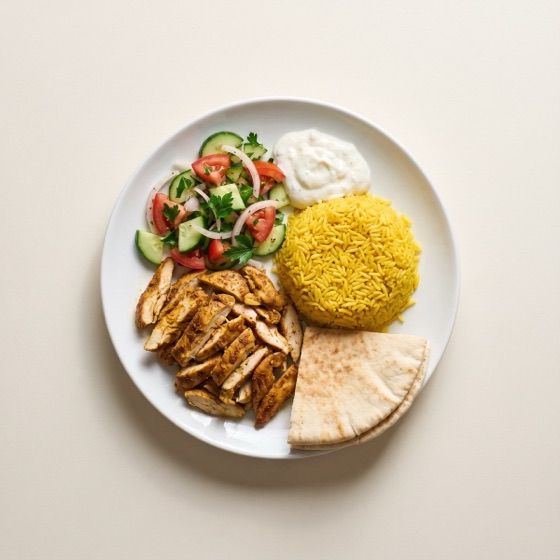
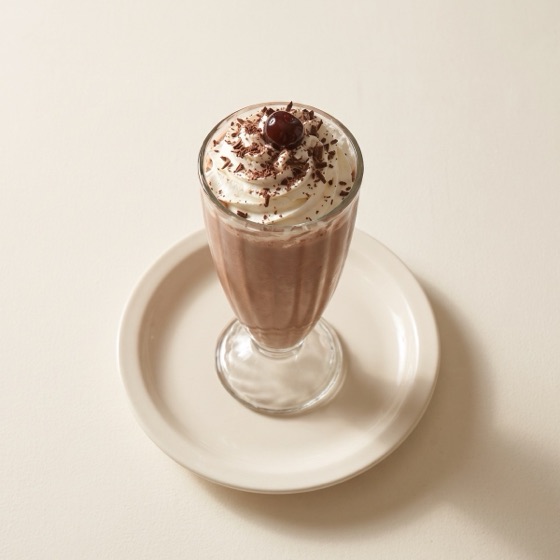
AI menu import
From photos to a full menu in minutes.
Upload photos of your printed menu or a delivery-app export. AI builds categories, items, prices and options, ready for you to review.
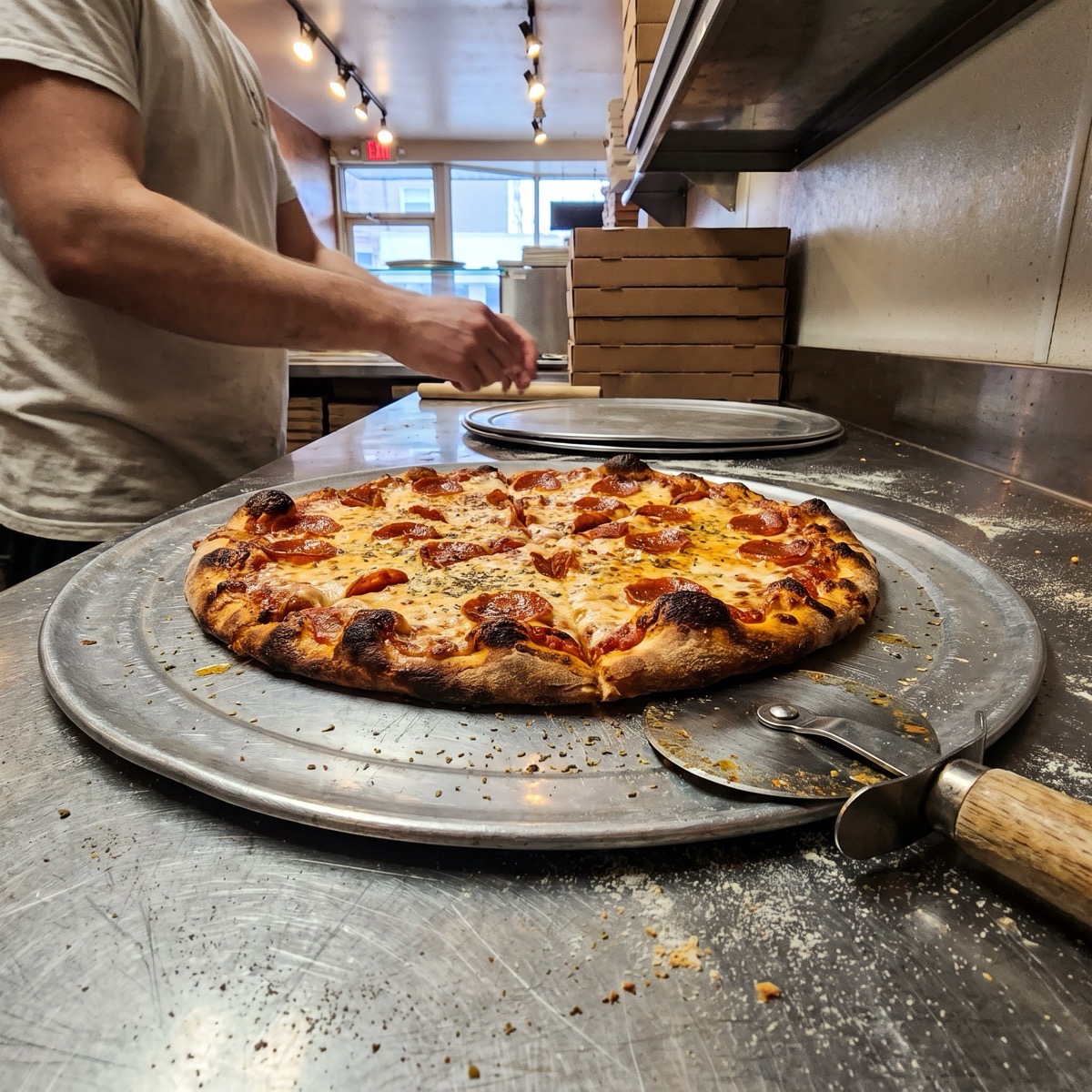
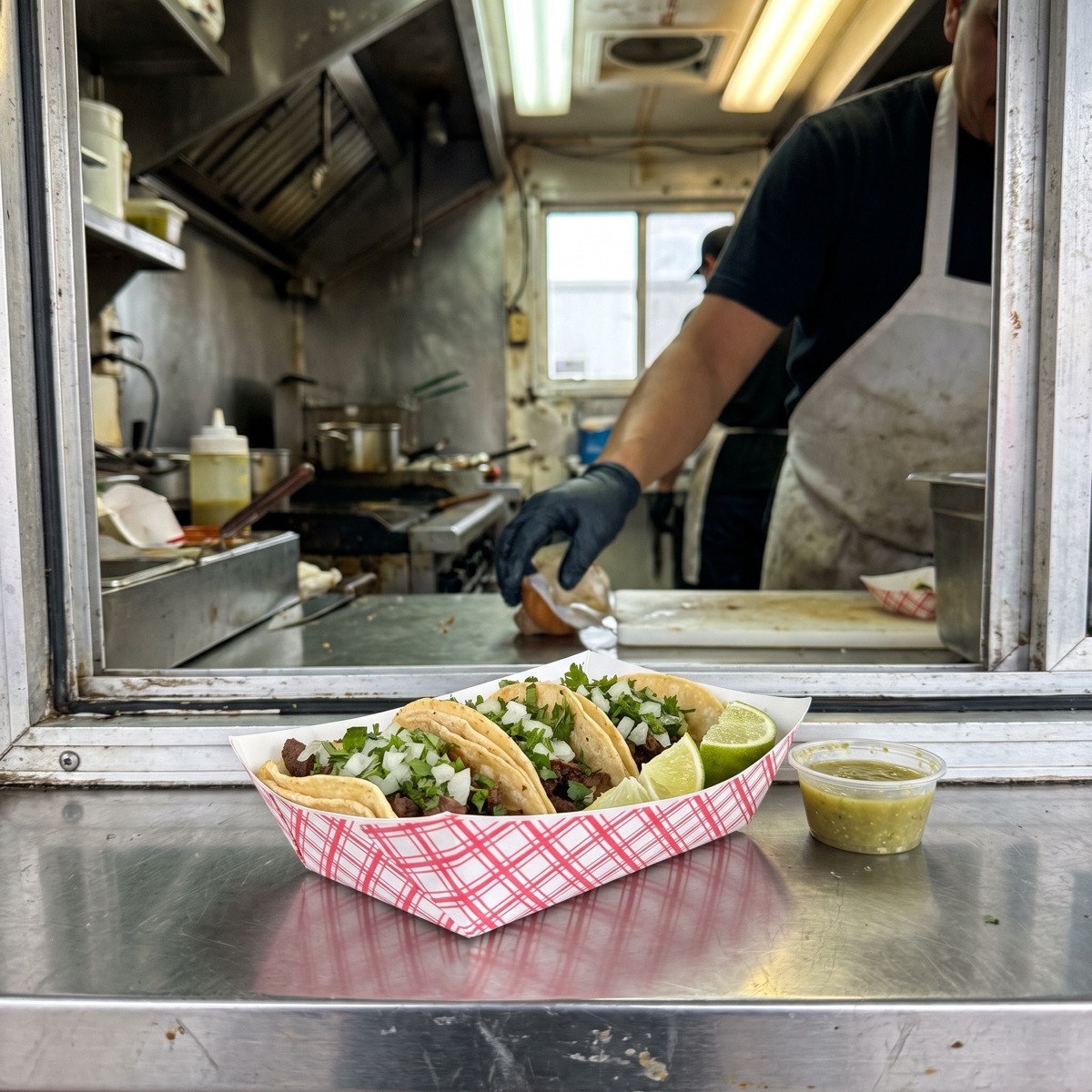
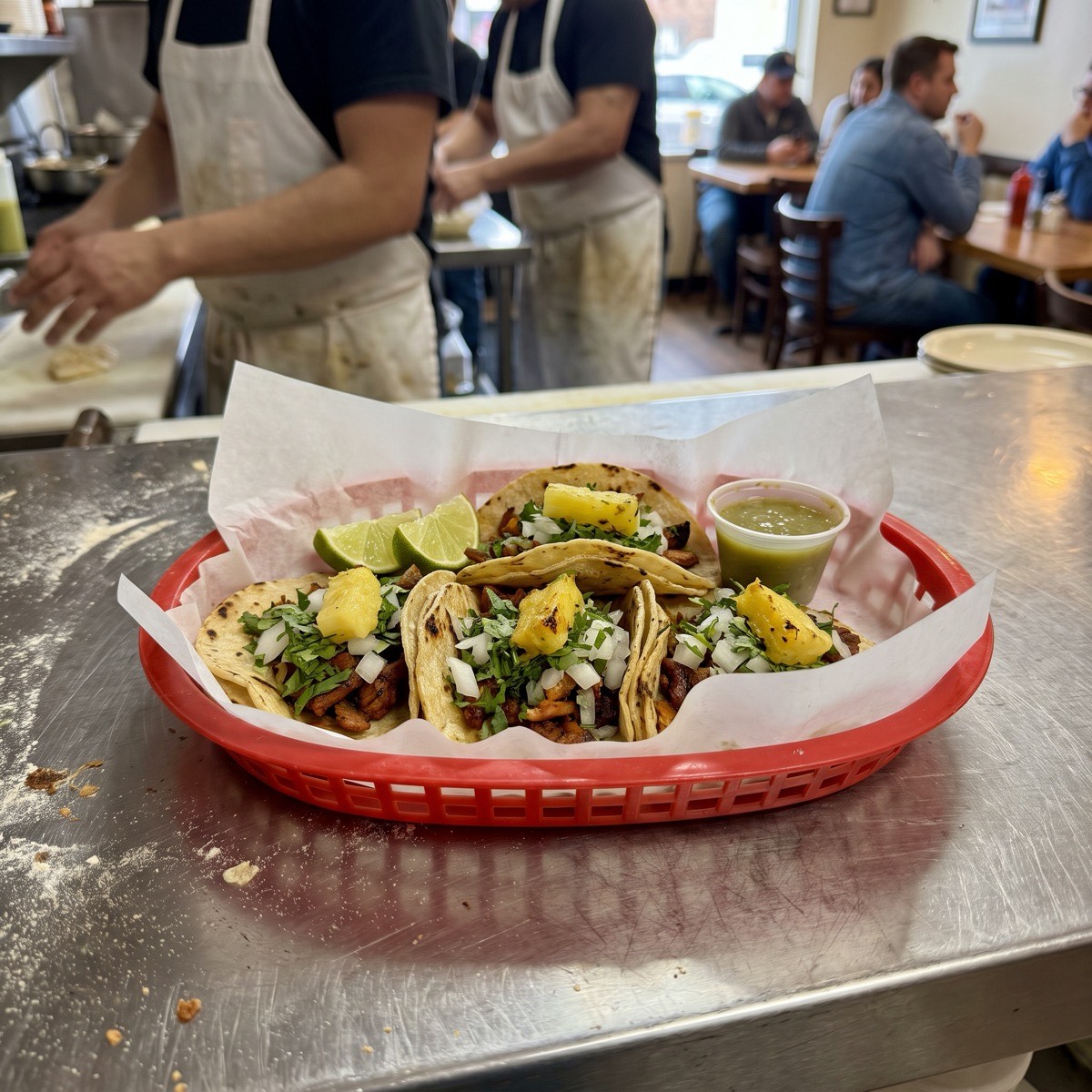
Fast, photographed and one tap from checkout. AI imports your menu from photos in minutes, and every change shows up on your site, app and kitchen at once.
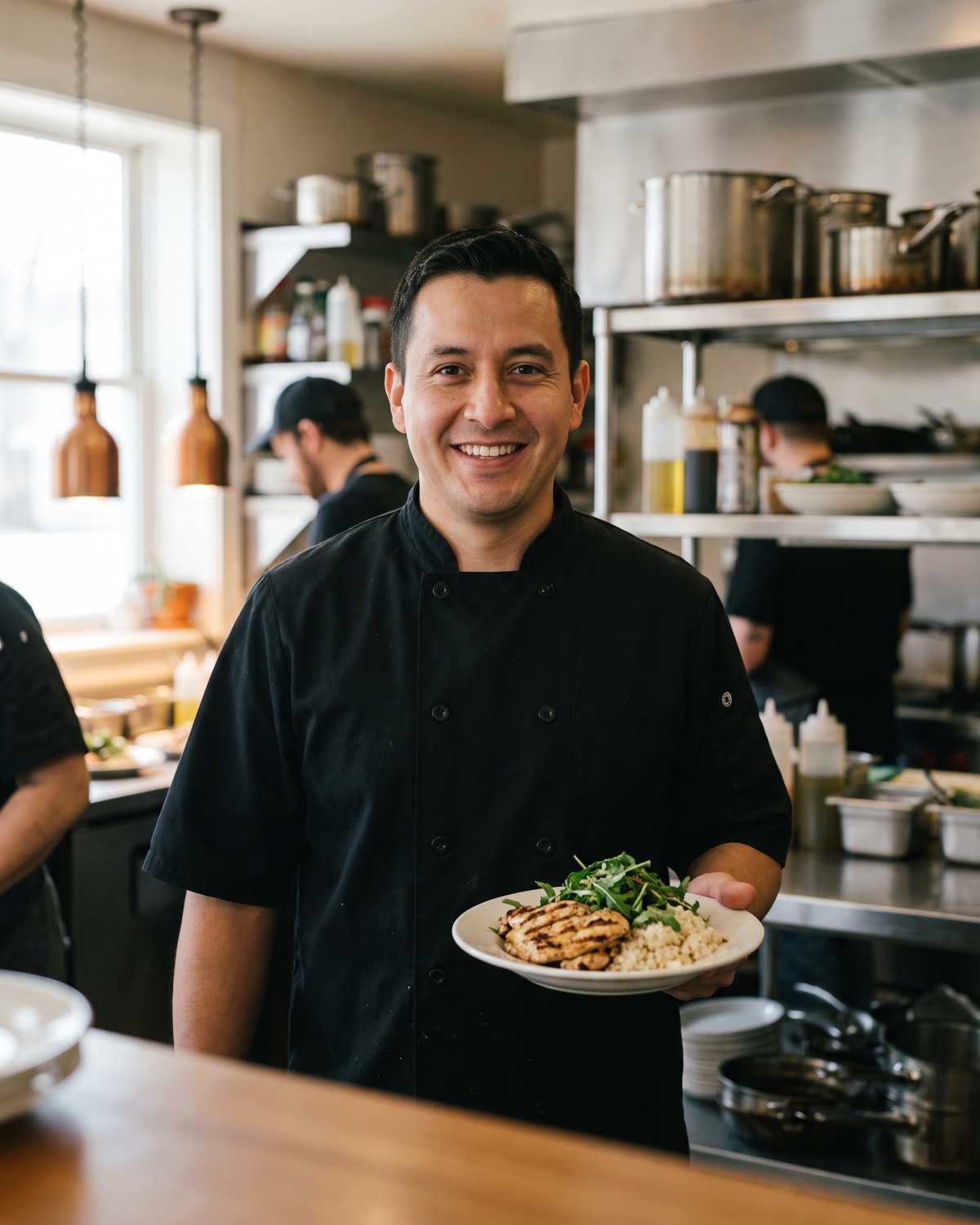
Snap photos of your menu, or export from DoorDash or Uber Eats. AI builds your categories, items, prices and options. You review, then publish.
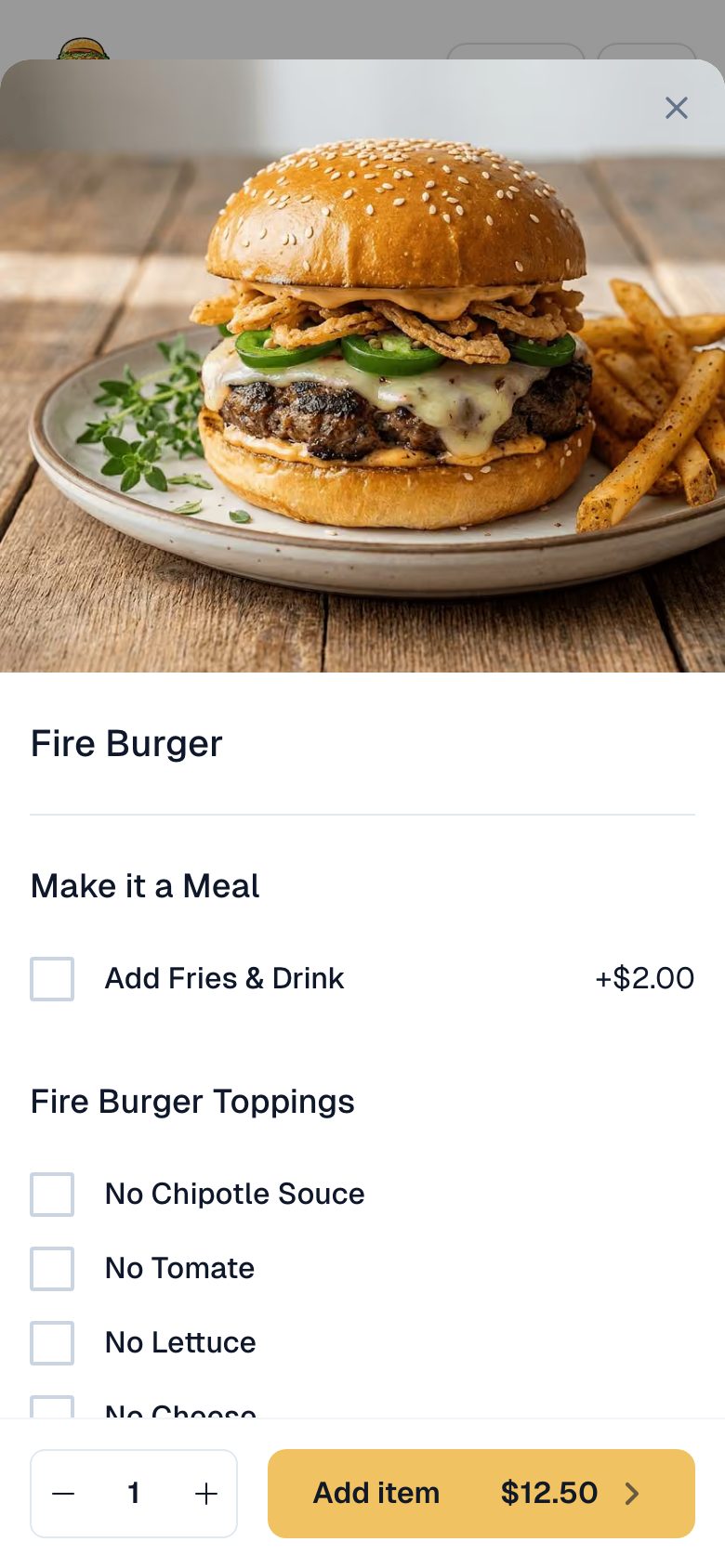
Sizes, add-ons, spice levels and combos, priced the way you charge, so tickets come out clear.
Change a price or mark an item sold out from your dashboard or phone. Website, app and kitchen stay in sync.
AI menu import
Upload photos of your printed menu or a delivery-app export. AI builds categories, items, prices and options, ready for you to review.
Options
Every item can carry its own choices, so guests build the order exactly the way your kitchen makes it.
Sold out
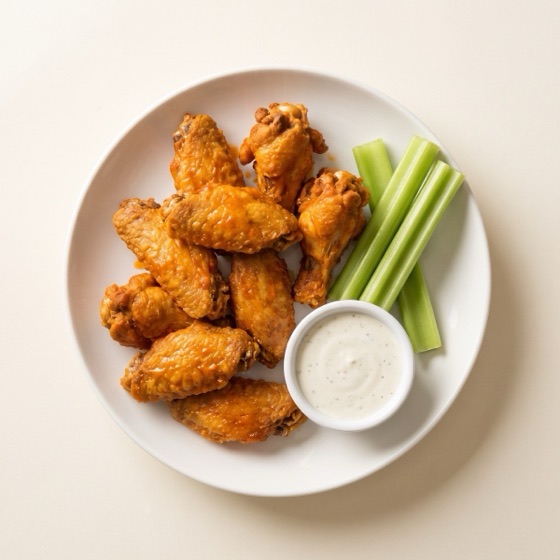
Run out of wings at 7 PM? Switch them off from your phone and guests never order what you cannot make.
One menu everywhere
The same menu powers your website, your branded app and your kitchen tickets. Edit it once and every place updates.
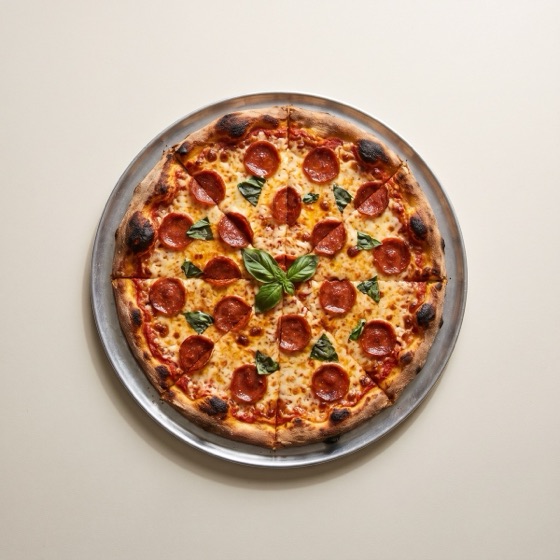
36% of diners have been put off a restaurant by poor food photos on its website, and 30% by a menu that was hard to read.
A PDF or photo menu
A Menuline menu
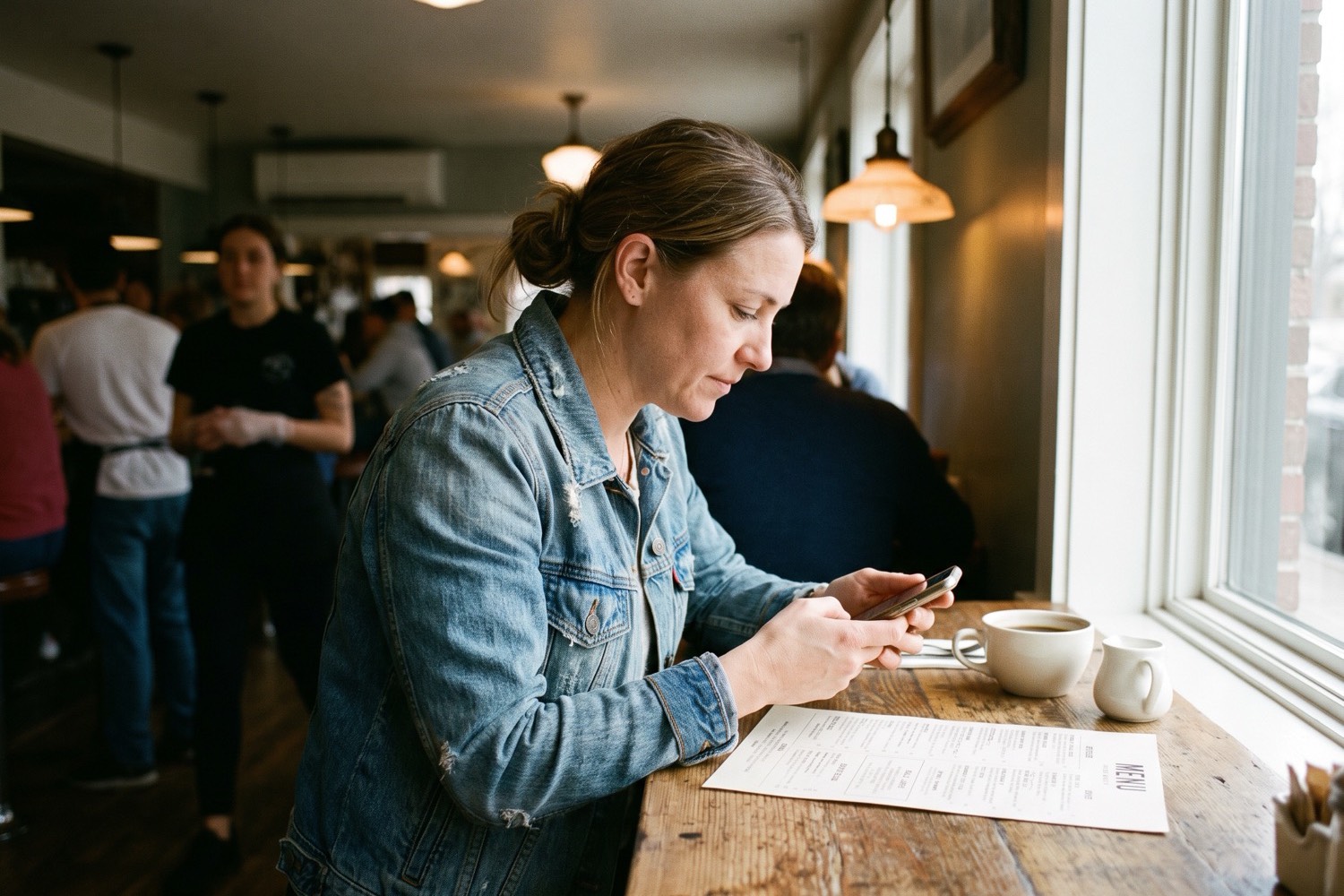
Photos of your printed menu, or a DoorDash or Uber Eats export. Either one is enough, no spreadsheets.
Items, prices, descriptions, categories and options come out organized. Fix anything, add photos, publish.
Your website, app and kitchen tickets all read from the same menu from then on.
| Feature | Menuline menu | PDF menu on your site | Delivery-app menu |
|---|---|---|---|
| On a phone | Fast, tap-friendly, photographed | Pinch, zoom, squint | Fine, inside their app |
| Ordering | Built in, 0% commission | None, guests call or leave | 15% to 30% commission per order |
| Google can read it | Yes, Menu structured data | No, PDFs are hard for search to read | It ranks their app, not you |
| Updating prices | Edit once, live everywhere | Re-export, re-upload | A separate update per app |
| Your brand | Your domain, your look | Yours, but static | One listing among competitors |
Every plan includes it. Both are $1/month for your first 3 months, then month-to-month. Cancel anytime.
$29/month
$1/month for the first 3 months
Includes Online Menu
$99/month
$1/month for the first 3 months
Everything in Starter, plus
Upload photos of your printed menu, or an export from DoorDash or Uber Eats. AI reads them and builds your full menu, with categories, items, prices, descriptions and options, which you can edit before publishing.
PDFs are slow on phones, force guests to pinch and zoom, cannot be tapped to order, and are hard for search engines to read. A structured online menu fixes all four problems.
Yes. The menu and commission-free ordering are one system, so every item is a tap away from pickup checkout on your own website.
Edit items, prices and availability from your dashboard or phone, and changes go live right away on your website and app. You can mark an item sold out in seconds during a rush.
Yes. Every item supports photos, descriptions and full option groups like sizes, add-ons, spice levels and combos, so orders reach the kitchen exactly as the guest intended.
Menuline integrates with Square and Clover, so direct online orders can flow into the POS your kitchen already runs on.
Something else on your mind? Send us a message.
Turn your printed menu into one that ranks, reads well on phones and takes orders. Import it in minutes, $1/month for your first 3 months.